
Score8 · Mobile
Score8 on Mobile
Score8 on mobile means two things: this media hub works fully in your phone's browser, including the video player, and the Score8 app is available from the official app destination for Android and iOS.
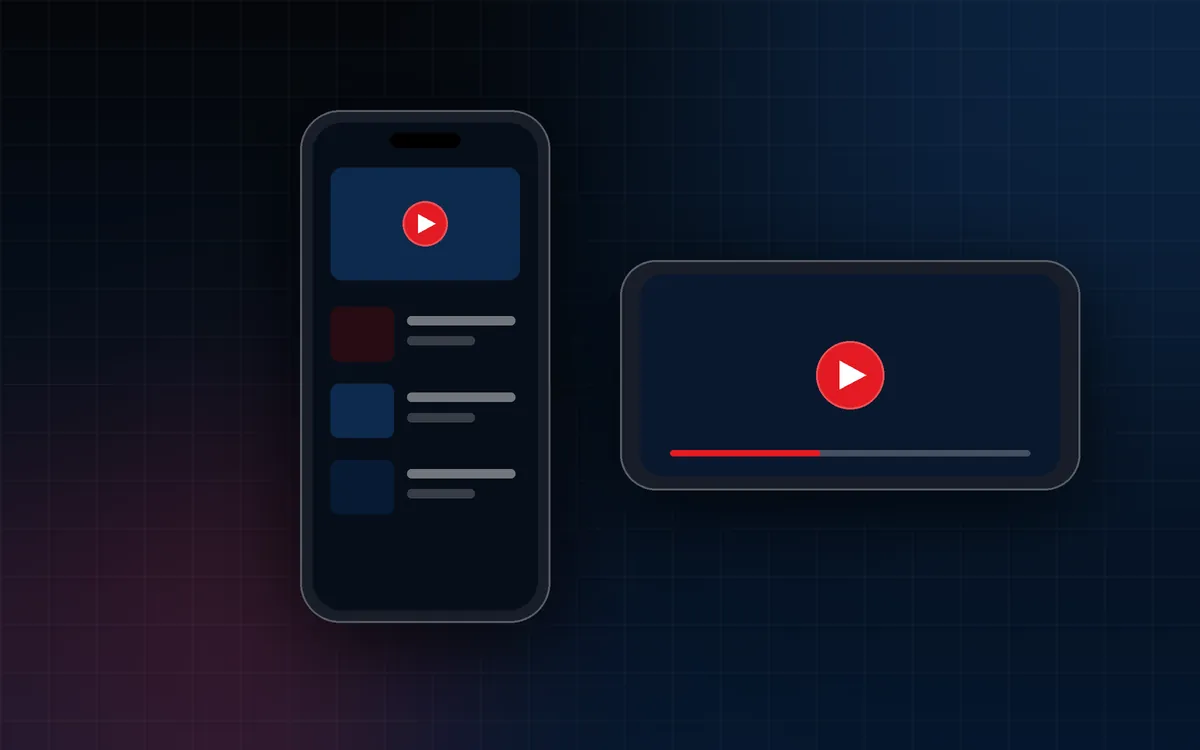
A mobile-first media hub
Every page here is designed for phones first: readable text without zooming, large touch targets and a menu that opens from the top right. It works in current mobile browsers with no download needed.
Watching videos on mobile
- Videos play in the page, and full screen is available from the player controls.
- Turn your phone sideways in full screen for a larger picture.
- Videos never play automatically. Use Wi-Fi if you want to save mobile data.
App access
For app access on your phone, use the official Score8 app destination. Go to the Score8 app hub
| Device | Guide |
|---|---|
| Android phone or tablet | Score8 App for Android |
| iPhone or iPad | Score8 App for iOS |
Getting around
- Menu: tap Menu for TV, Videos, Promotions, App, Mobile and Guides.
- Download App: always available in the menu.
- Home Screen shortcut: add this site to your Home Screen from your browser menu.
Mobile tips
Battery, data use, notifications and phone security are covered in the Score8 mobile guide
Official Score8 app destination
Get the Score8 app on your phone
Open the official Score8 app destination on your device.
External link. Opens the official Score8 app page in a new tab.