
Score8 · Android
Score8 App for Android
To get the Score8 app on an Android phone or tablet, open the official Score8 app destination on that device and follow the Android instructions it shows. This page walks through the process and the prompts to expect.
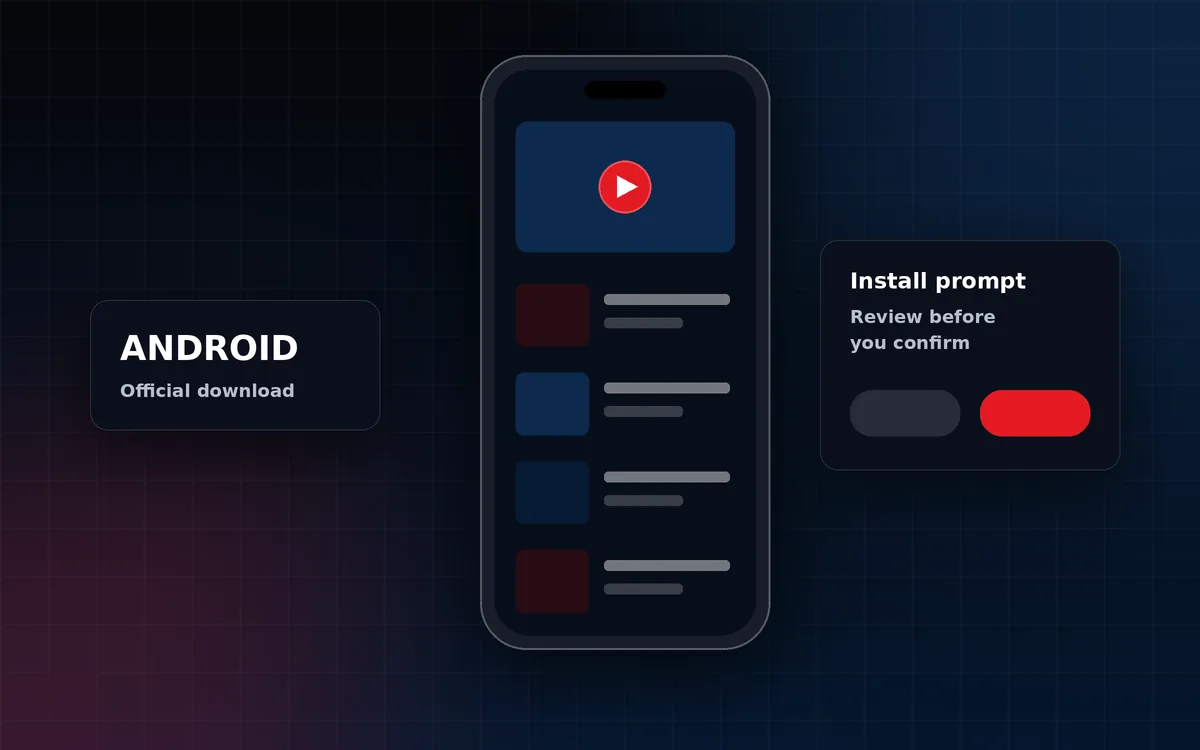
How to get Score8 on Android
- On your Android phone or tablet, open the official Score8 app destination: Download Score8 App (opens the official Score8 app download page in a new tab)
- Follow the Android instructions shown on that page.
- Read each prompt your phone shows before you confirm it.
- Open the app and sign in, or return to the official destination for updates.
Android install prompts
Android shows prompts before installing apps. If the official destination provides an installation file directly, Android may ask whether to allow installs from the browser you used. That permission applies to that single app, and you can switch it off again in Settings once the installation is complete. Do not change device-wide security settings, and never install files sent to you by message.
Stay safe
- Use only the official Score8 app destination linked from this site.
- Keep Google Play Protect switched on.
- Never share passwords or one-time codes with anyone who contacts you.
- Keep Android updated for the latest security fixes.
Prefer the browser?
Score8 media works in Chrome and other Android browsers without installing anything. Add a shortcut from Chrome's menu with Add to Home screen. See Score8 on mobile
Official Score8 app destination
Download Score8 for Android
Open the official Score8 app destination on your Android device.
External link. Opens the official Score8 app page in a new tab.