
Score8 · Install guide
How to Download the Score8 App
Download the Score8 app in four steps: open the official Score8 app destination, follow the instructions for your device, review the prompts before installing, and keep the app updated through official channels.
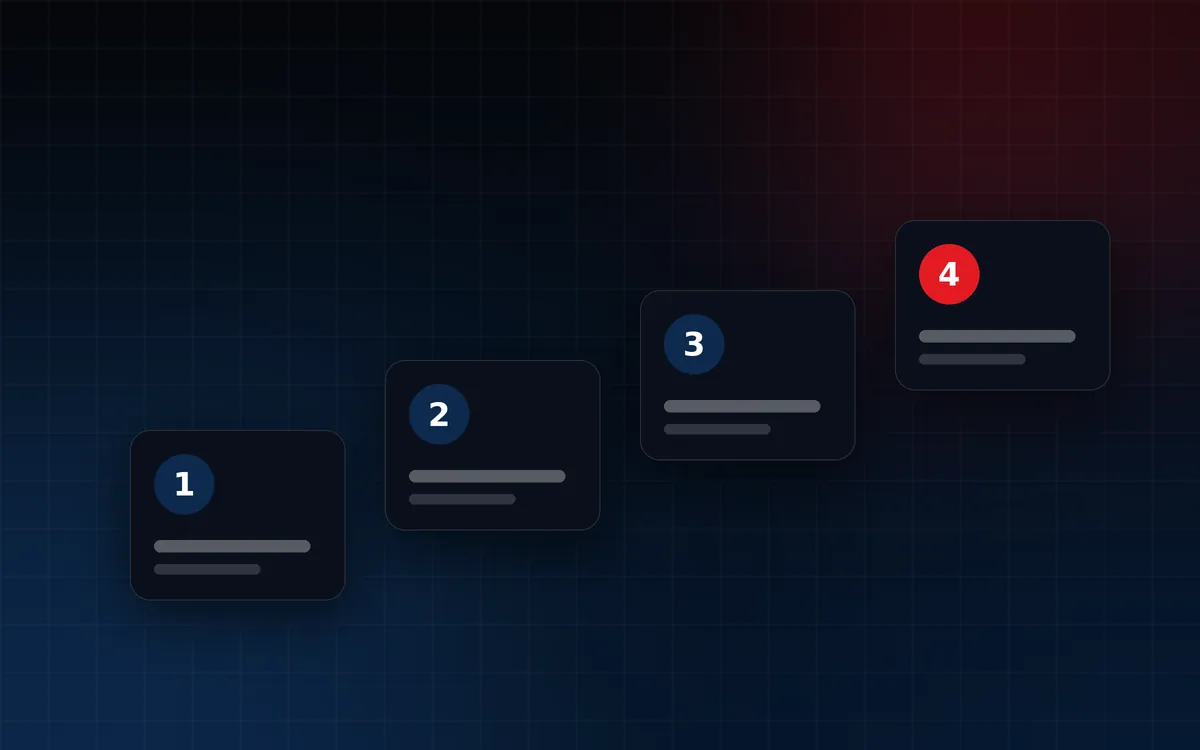
Four steps
- Visit the official Score8 app destination on the phone or tablet you want to use.
- Follow the platform-specific instructions presented there for Android or iOS.
- Review device prompts before installation. Read what each prompt asks before you confirm.
- Keep the app updated through official Score8 distribution channels.
Go to Score8 App Download (opens the official Score8 app download page in a new tab)
Safety checklist
| Check | Why it matters |
|---|---|
| Started from the official Score8 app destination | Unofficial copies can contain malware |
| Name and branding match Score8 | Look-alike apps imitate real brands |
| Device security left switched on | Global security changes put your whole phone at risk |
| Any per-app permission switched off after installing (Android) | Limits future installs to the ones you intend |
| No passwords or codes shared with anyone | Official services never ask for them by message |
If something goes wrong
- Download does not start: check your connection and open the official destination again.
- Not enough space: free up storage on your device and try again.
- A prompt looks unfamiliar: cancel, and start again from the official destination.
Platform details: Score8 App for Android · Score8 App for iOS
Official Score8 app destination
Ready to install?
Go to the official Score8 app destination on your phone.
Go to Score8 App Download (opens the official Score8 app download page in a new tab)
External link. Opens the official Score8 app page in a new tab.